Practice management software shaped around the way architects work
Archflow runs the operational side of an architecture firm: phase-based budgets, timesheets, invoicing, and consultant coordination, plus the reports leadership needs to actually trust the numbers.
Useful for whoever ends up holding the spreadsheet
Whether the operational load lands on the principal, the PMs, or one heroic studio manager, Archflow is built so each role gets the slice they need without having to ask someone else for the answer.
Principals
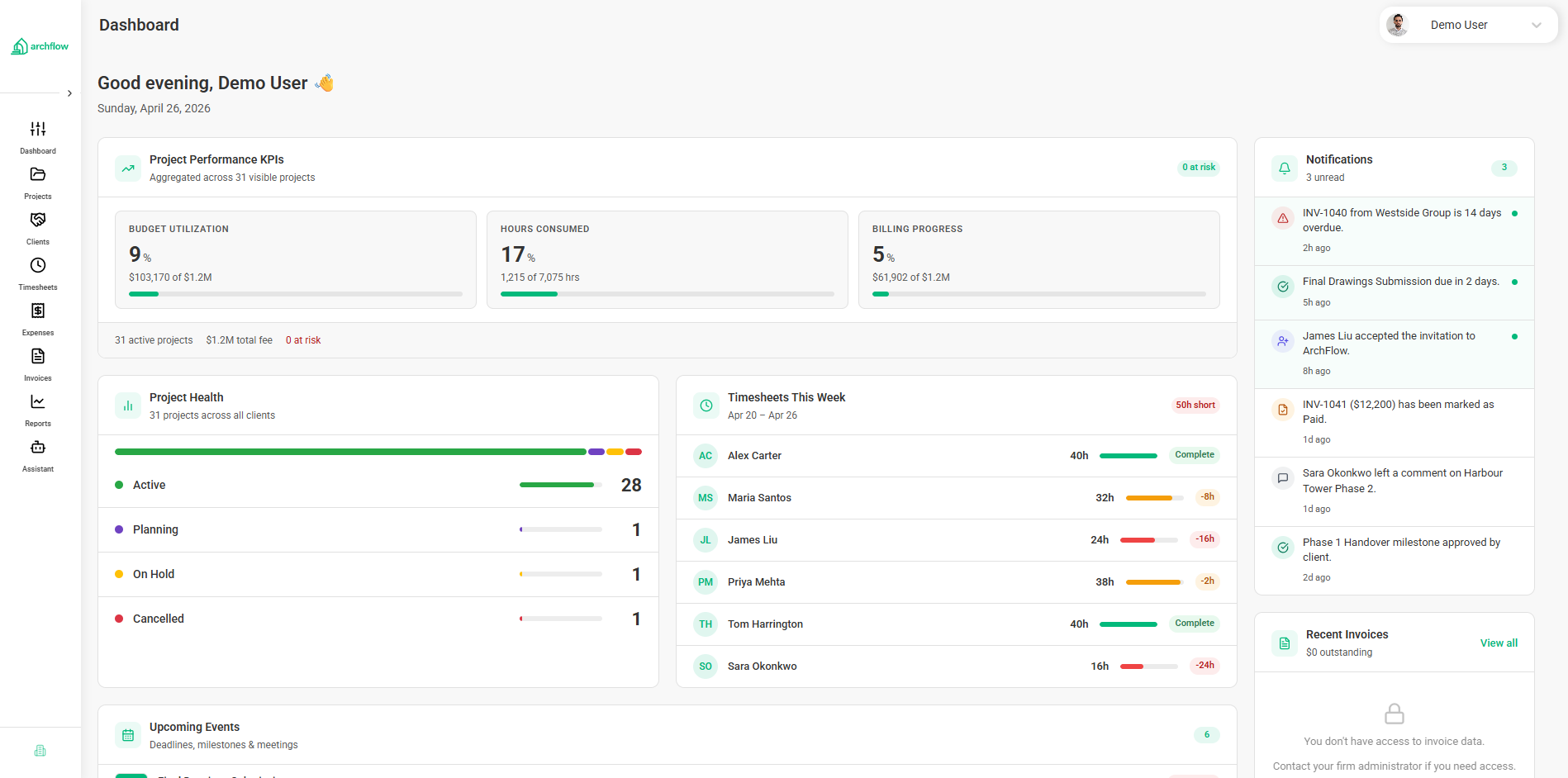
A clear read on which projects are paying the bills, which ones are quietly losing money, and where the firm sits on utilization — without pinging every PM.
Project Managers
Fee burn at the phase and task level, sub coordination, and timesheet approvals in one place. Less spreadsheet maintenance, more time on the project.
Operations Leads
A consistent way to set up projects, track WIP across the portfolio, and keep multi-firm reporting honest. Useful when leadership asks the same question three different ways.
Finance & Admin
Build invoices straight from approved time and phase progress. Handle consultant invoices and pass-through billing in the same flow as the client invoice.
From kickoff to paid invoice, in one place
Each step uses the same data model, so what you set up in week one is the same structure your invoice pulls from in month four.
Stand the project up
SD/DD/CD/CA phases plus your custom ones, and the team assigned where they need to be.
Set the fee budget
Allocate fee at the phase level, drop into tasks where it helps. Skip the parts that don’t need that detail.
Capture hours
Team logs time against the phases and tasks they’re on. Approvals and locks are built in.
Bring in subs
Invite structural, MEP, civil, or landscape into Consultant Directory scoped to the phases they own.
Invoice the client
Pull invoices from approved time and phase progress, with sub costs already approved through the portal.
Look at the numbers
Margin, utilization, WIP, and AR for the firm. The same data your team is logging against.
What’s actually inside
Project Management
Phases, tasks, and team assignments built around the way architecture projects are actually run.
Learn morePhase & Task Budgets
Allocate fee by phase and break it down to tasks where the detail pays off.
Learn moreInvoicing & Billing
Build invoices from approved time and phase progress, with sub pass-through baked in.
Learn moreTimesheets
Log hours against the actual task or phase. Approvals and reminders are in the box.
Learn moreReporting & Dashboards
Margin, utilization, WIP, and AR — from the same numbers your team works from.
Learn moreConsultant Directory
Scope, status, and invoices for your subs in one place. No PDFs by email.
Learn moreFinancial Visibility
Fee burn that updates as the team logs hours. The early signal you actually want.
Learn moreMulti-Firm Management
Run several firms or legal entities under one parent organization.
Learn moreGet your consultants out of your inbox
Invite structural, MEP, civil, or landscape teams into a portal scoped to the phases they’re on. They see their contracted amount, post status, and submit invoices in the same place you review them and bill the client.
- Invite a sub and pick which phases they can see
- Subs see their contracted amount and budget remaining
- They submit invoices through the portal, not over email
- Approved sub invoices flow into the client invoice for pass-through
Run more than one studio without juggling logins
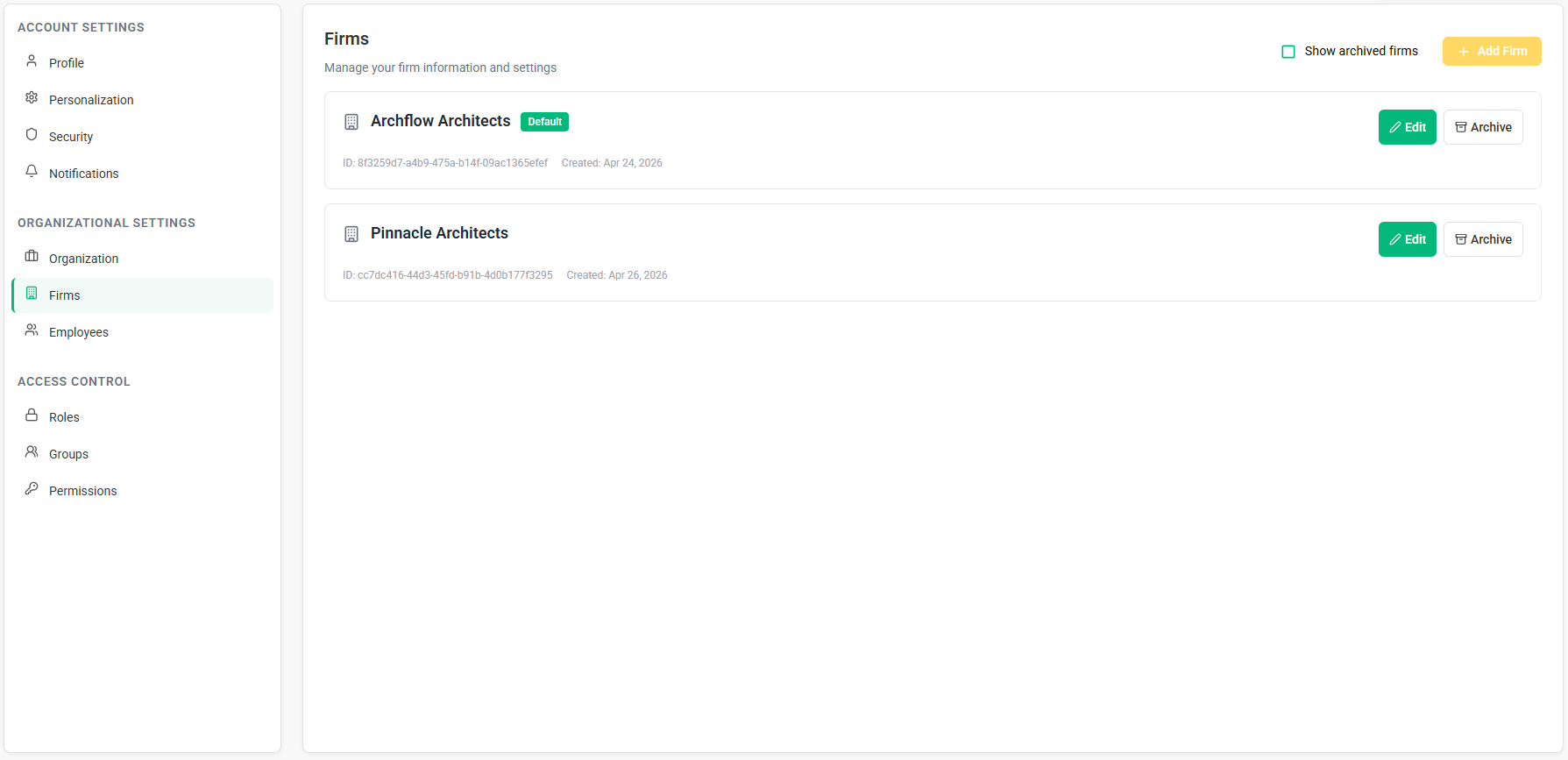
If your group operates more than one firm or legal entity, each one keeps its own projects, fee schedules, and books. Leadership gets the consolidated view from the parent organization.
- Several firms or entities under one parent organization
- Each firm with its own books, fee schedules, and team
- A consolidated view for leadership when they need it
- No more juggling logins to keep the studios apart