Architecture firm software that keeps your projects on track
Archflow brings phase budgets, timesheets, invoicing, and consultant directory into one place. Principals see the firm-level picture, PMs see fee burn before it becomes a problem, and the team logs hours against the work they actually did.
Why running a firm on spreadsheets gets expensive
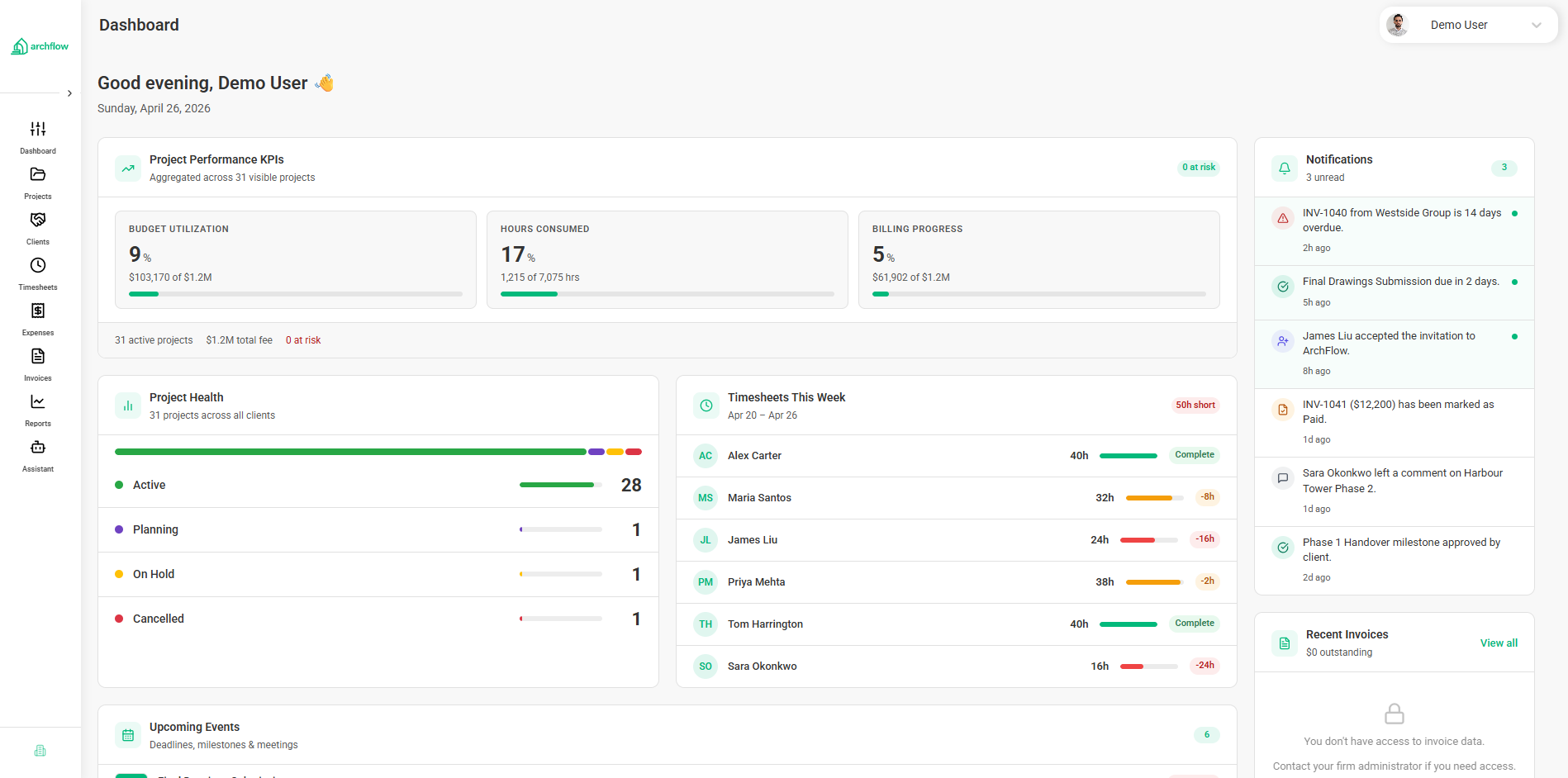
Budgets Living in Three Places
Phase budgets sit in one spreadsheet, hours in a time-tracking app, invoices in QuickBooks. By the time numbers reconcile, the project is already off track.
Margin Surprises at the End of CDs
By the time you realize a phase has gone sideways, the fee is already burned. PMs need to see hours against the contracted fee while there's still time to act.
Email Threads with Consultants
Status from your structural and MEP teams is buried in long email chains. Their invoices arrive as PDF attachments and never quite line up with what you billed the client.
One workflow, from fee proposal to paid invoice
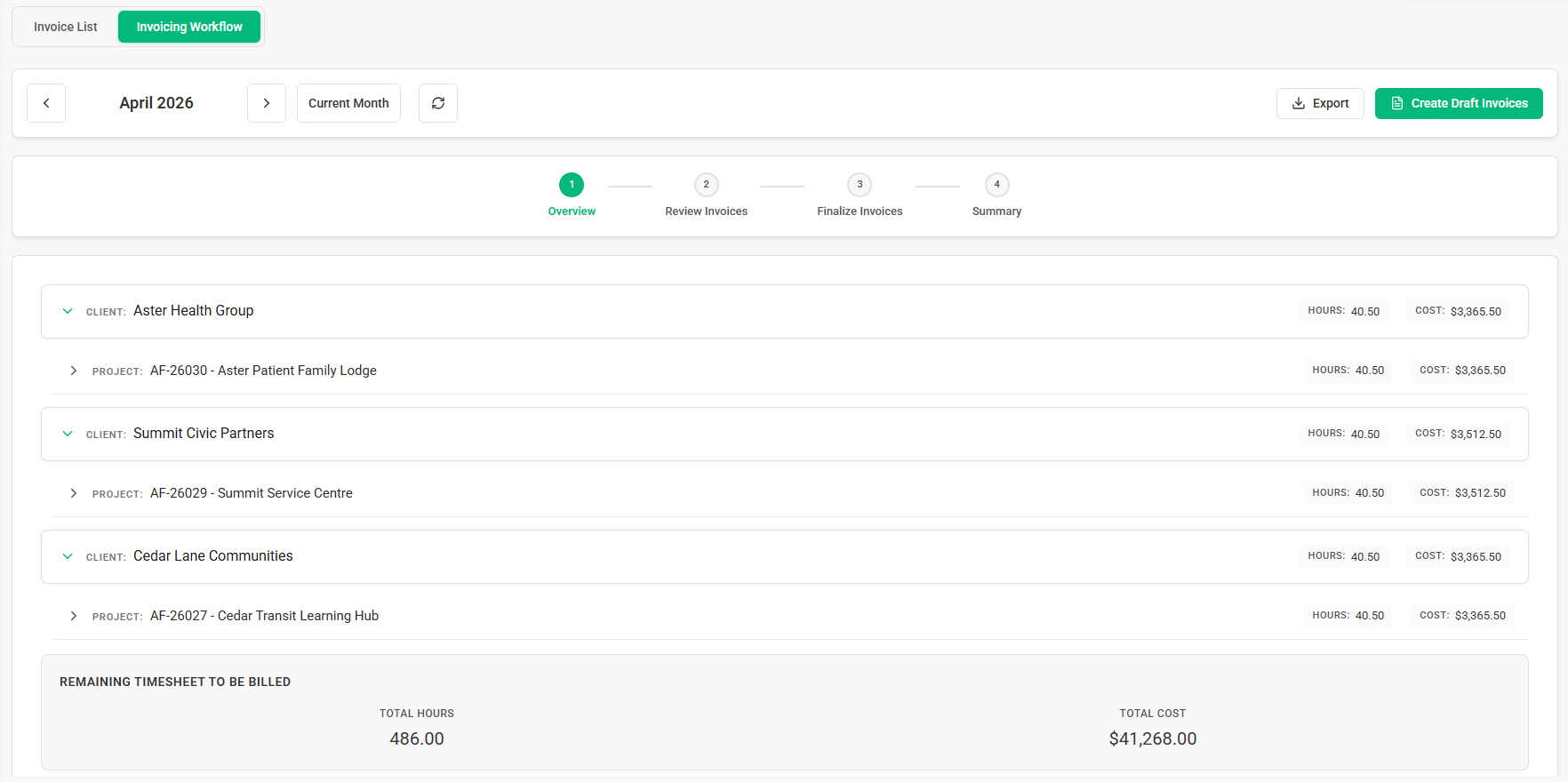
Set the budget. Plan the work. Log time against it. Bill the client. Look at the report. Each step feeds the next, so the numbers in your dashboard are the same numbers your team is working from.
Everything you need to run the practice side of the firm
Project Management
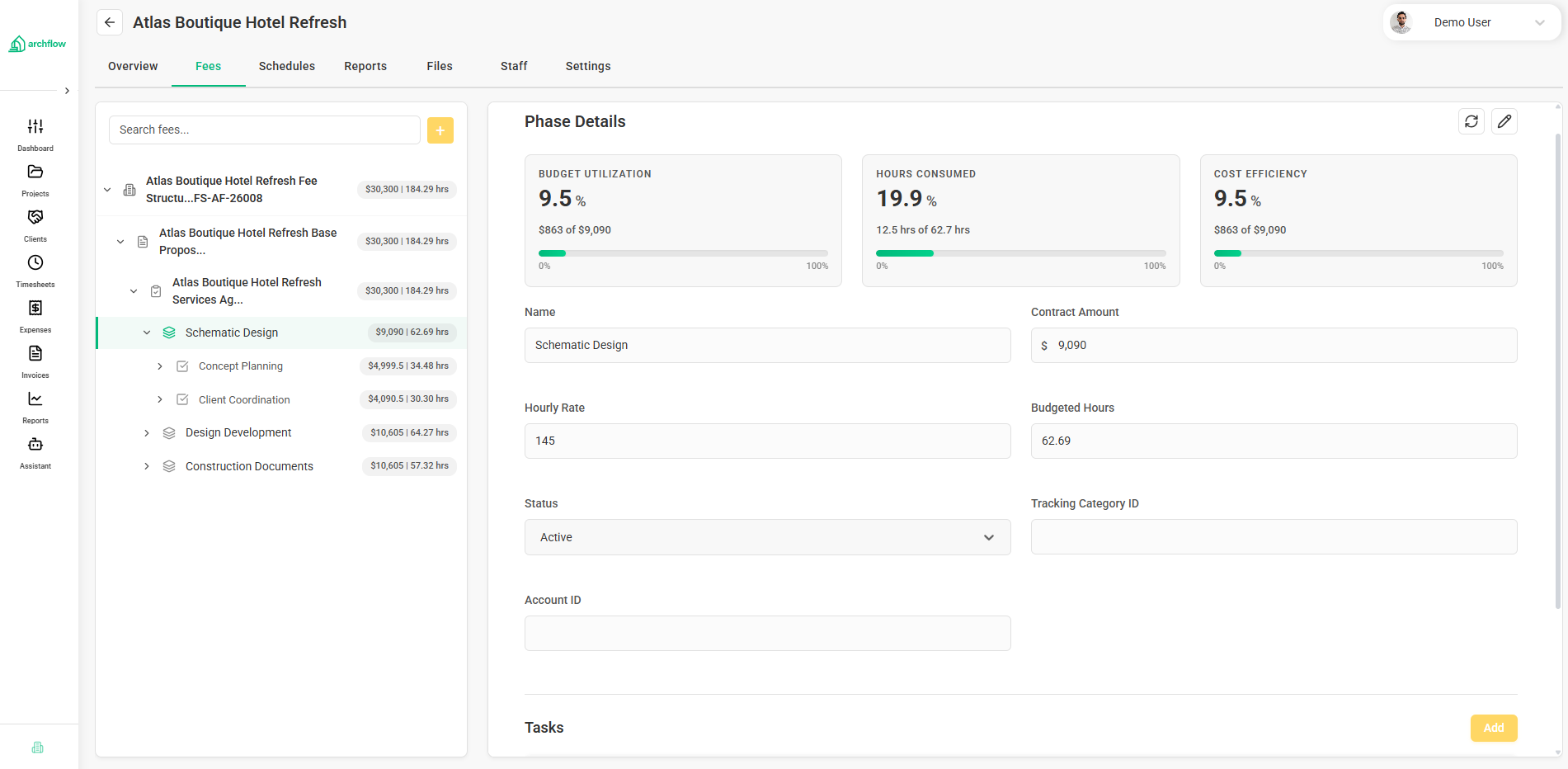
Set up projects the way you actually deliver them: SD, DD, CD, CA, plus any custom phases and the tasks underneath.
Learn morePhase & Task Budgets
Allocate fee by phase and break it down to individual tasks when you need to. See where the budget is actually going.
Learn moreInvoicing & Billing
Build invoices straight from your phase budgets and approved time, so the client invoice always lines up with the fee schedule.
Learn moreReporting & Dashboards
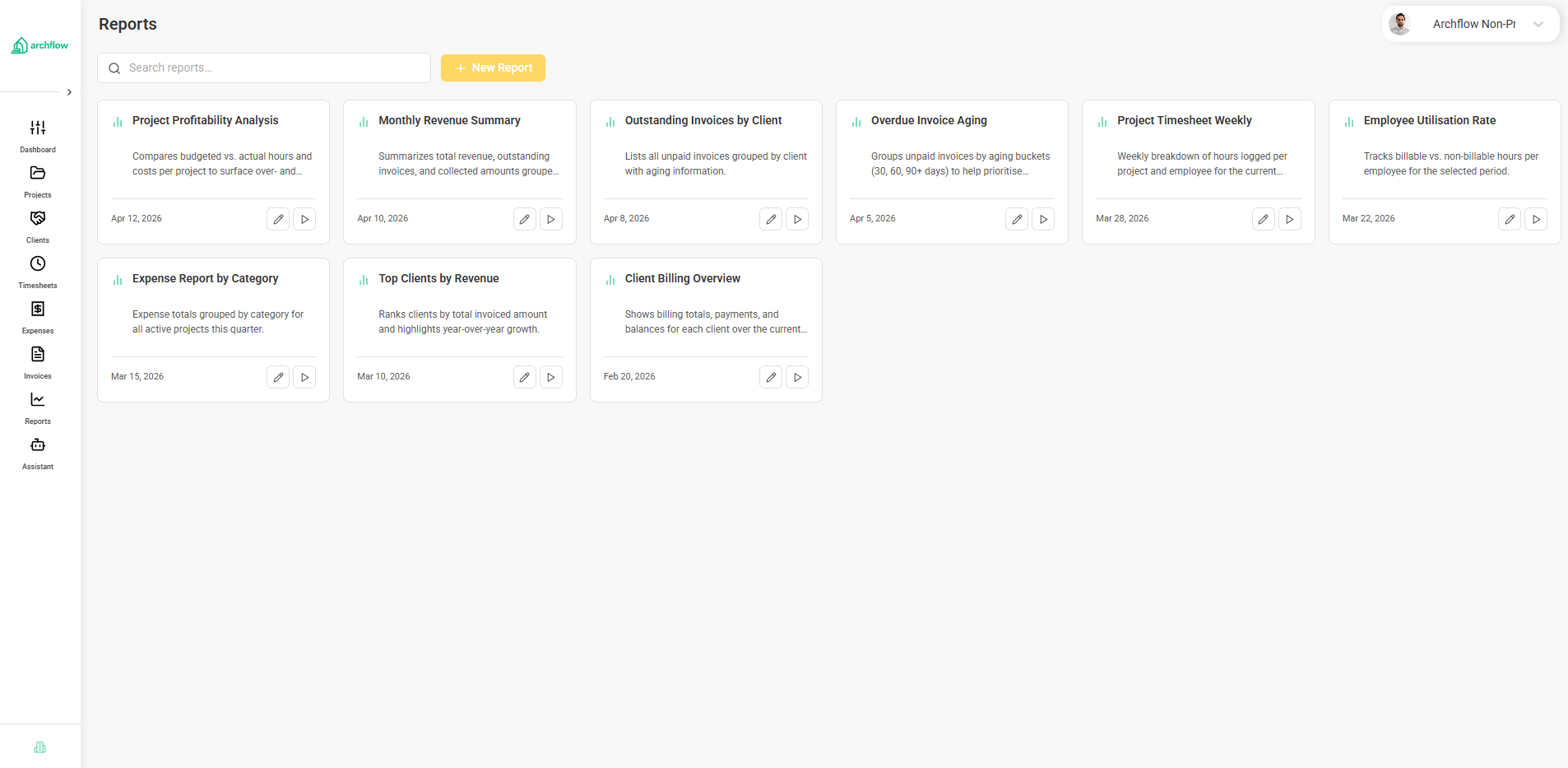
Project margin, utilization, WIP, and AR in one place. The same numbers your team is logging against, not a stale snapshot.
Learn moreConsultant Directory
Manage consultant firms, share scoped phase access, and review consultant invoices in one place.
Learn moreFinancial Visibility
Watch fee burn against budget at the phase and task level so a project trending over shows up in week three, not month four.
Learn moreMulti-Firm Management
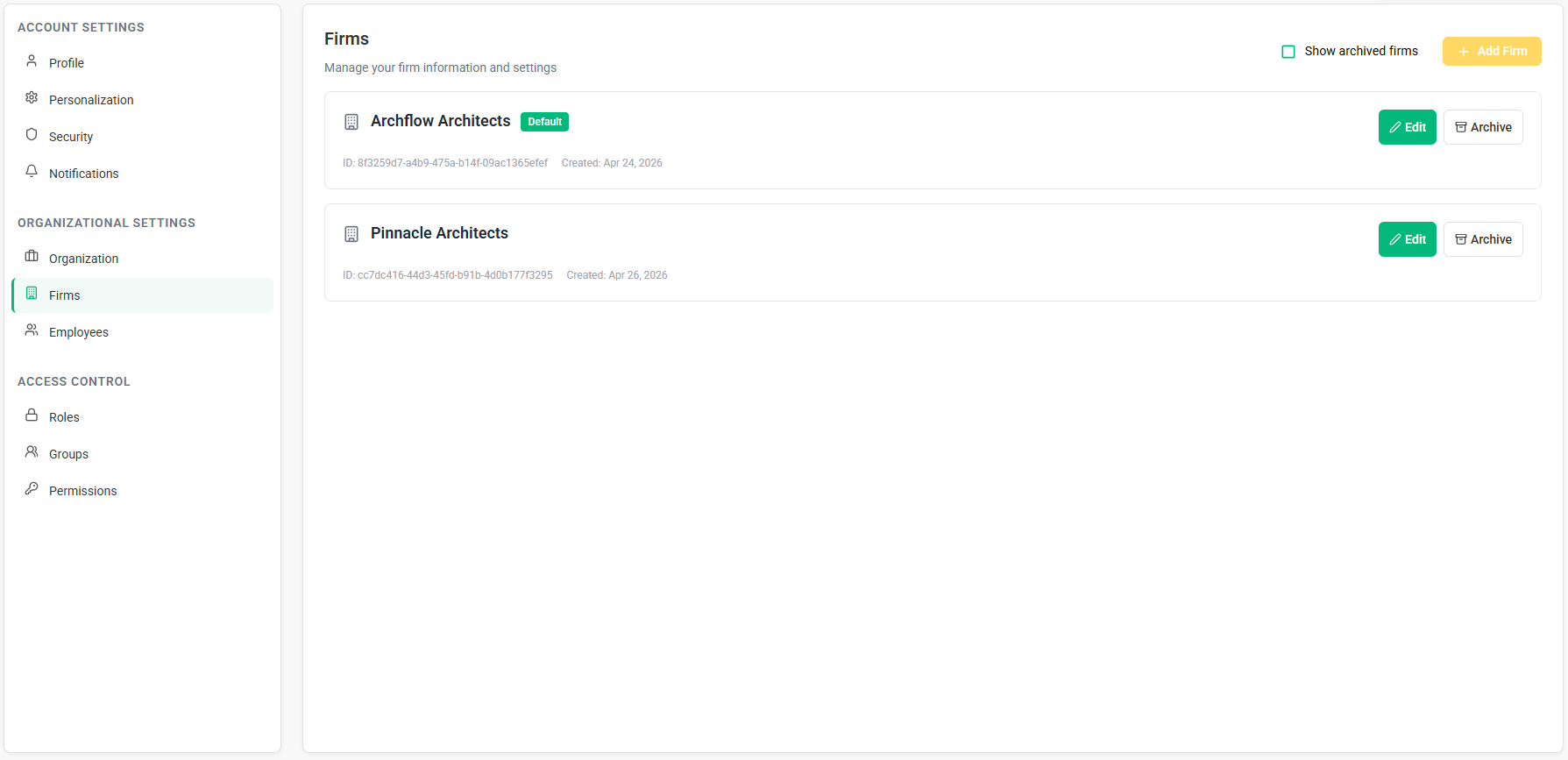
Run several studios or legal entities under one parent organization. Each firm keeps its own books; leadership gets the rolled-up view.
Learn moreTimesheets
Log hours against the actual task or phase. Approvals, locks, and reminders are built in so timesheets stop being a Friday afternoon scramble.
Learn moreWhat firms tell us they like about Archflow
Budgeting that goes past the phase line
Most firms stop at phase-level fee allocation. Archflow lets you keep going down to the task, so you can see whether the overrun came from CA coordination or from one redline that snowballed.
Every invoice ties back to the fee schedule
Pull invoices from approved time and phase progress. When a client questions a line item, you can show them exactly which work it covers without rebuilding the math in Excel.
A real workflow for your subs
Share specific phases with structural, MEP, civil, or landscape teams. They see their scope and budget, post updates, and submit invoices in the same place you review them.
Designed for how architecture firms actually run
This isn't a generic PM tool with a few architecture templates. The data model, the language, and the workflows came out of conversations with principals, PMs, and ops leads in working firms.
Get your consultants out of your inbox
Invite your structural, MEP, civil, or landscape teams into a portal scoped to the phases they're on. They can see their contracted amount, post updates, and submit invoices. You review and approve in the same place you bill the client.
Run multiple studios under one parent
If you operate more than one firm or legal entity, Archflow lets each one keep its own projects, fee structure, and books while leadership sees the consolidated picture from the parent organization.
How we stack up against the alternatives
Most tools either try to serve every professional services firm or stop at high-level dashboards. Here is where Archflow lands in that spectrum.
vs. spreadsheets and a stack of apps
If your operations live in a Google Sheet, a time tracker, and QuickBooks, you already know the cost: reconciliation work, late surprises, and reports nobody trusts. Archflow consolidates that stack.
vs. Monograph
Both tools speak architect. Archflow goes a level deeper on budgeting (task-level), includes Consultant Directory, and supports multiple firms under one parent.
See Full Comparison →vs. BQE CORE
BQE is broad: AEC, accounting, payroll. Archflow is focused on the architecture practice. If you already run QuickBooks or Xero, you don't need to swap your accounting system to get firm visibility.
See Full Comparison →Numbers leadership doesn't have to second-guess
Project margin, utilization, WIP, and AR all come from the same data your team is logging against. Nobody is exporting CSVs at the end of the month and arguing about whose total is right.
Frequently Asked Questions
Most of our users are studios between roughly 5 and 100 people. Once you have a couple of PMs running projects in parallel, working with consultants, and chasing fee burn, the spreadsheet approach starts costing more than it saves.
Yes. You set a fee for each phase and, when it helps, break that phase into tasks with their own hours and dollar budgets. Most firms use task-level budgets for the phases that historically run hot, like CDs and CA.
You invite a consultant firm to a project and pick which phases they can see. Their team gets scoped access to scope, budget context, status updates, and invoice submission. Your PMs review and approve in Archflow, and approved amounts can pass through to client invoicing.
Yes. If you operate more than one studio or legal entity, each firm keeps its own projects, fee schedules, and reporting. Leadership gets a roll-up across the parent organization. It's the same setup we use to run firms with separate brands or geographies.
Short version: Archflow goes deeper than Monograph on budgeting and consultant management, and it stays out of the accounting lane that BQE owns. Most firms run Archflow alongside QuickBooks or Xero rather than replacing their general ledger.